A FIELD GUIDE TO THE CRAZYGAMES BUILD
Level 1, frame by frame
One level, ten frames, and the completion screen worth 100 coins. This is the only level we can document from a finished run.
The shape of the level
Level 1 gives you a plate shaped like three green lobes joined by a purple stem, floating in a strip of water. Bolted to it are screws in five colours. The HUD starts with two containers, yellow and red, which is two colours out of five - the rest of the board is bait until the second wave.
The run
- Bubble one. "Fill all the containers to pass the level." Press
Next. - Bubble two. "If all the additional holes are filled, you will lose." Press
Next. - Take the yellows. Three screws, one click each. The yellow container fills on the third and
vanishes; the
Level 1chip grows a green segment. - Take the reds. Same again. When red goes, the HUD swaps to blue and brown and the plates start falling - three green lobes drop out of the frame during the change.
- Take the blues and browns. Blue fills before brown in our run; brown clears next; the last screw on the purple stem goes last.
- The board empties. Water only. The green play button is the only thing left to press.
- Press play.
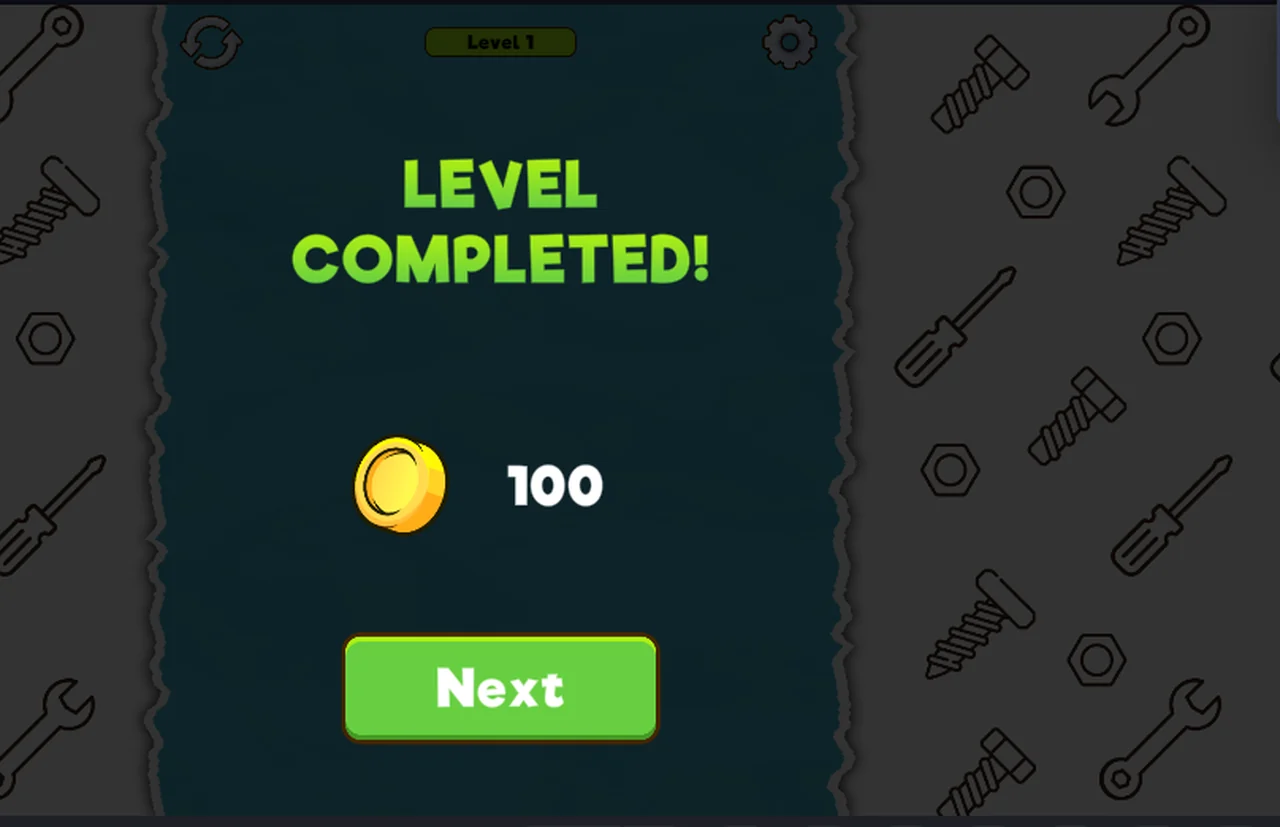
LEVEL COMPLETED!with a coin and 100, thenNext.
What the level taught us
- A level can have more colours on the board than containers on the HUD, so the order you take screws is the puzzle.
- The board collapses as plates lose their screws; the water is always visible underneath.
- Clearing a container is the only progress signal: the chip bar fills, containers vanish, waves swap.
What we have not seen, and will not pretend to
- Any level after 1.
- Whether later levels add more containers per wave, more spare holes, or a timer.
- Whether the 100 coins scale with the level.
- The five screws on the title card, which we suspect are level groups.
Not tested
- Whether the level can be failed by filling the spare holes - we have the warning text, not the failure screen.
- Whether replaying level 1 pays another 100.
The ten frames
Every step above has a frame in the project's research folder, from the first tutorial bubble to the coin on the completion screen. Nothing in this write-up comes from memory alone.
Last checked against the client: 2026-11-07 · client web build 2026-11-07